
A long-distance relationship app for two iPhones
Calls start to sound the same after a while. Floom gives you something new to talk about every day: quizzes you answer from your own phones, a daily question, and widgets that put your partner’s doodles, notes and photos on your Home Screen.

Play together from different time zones
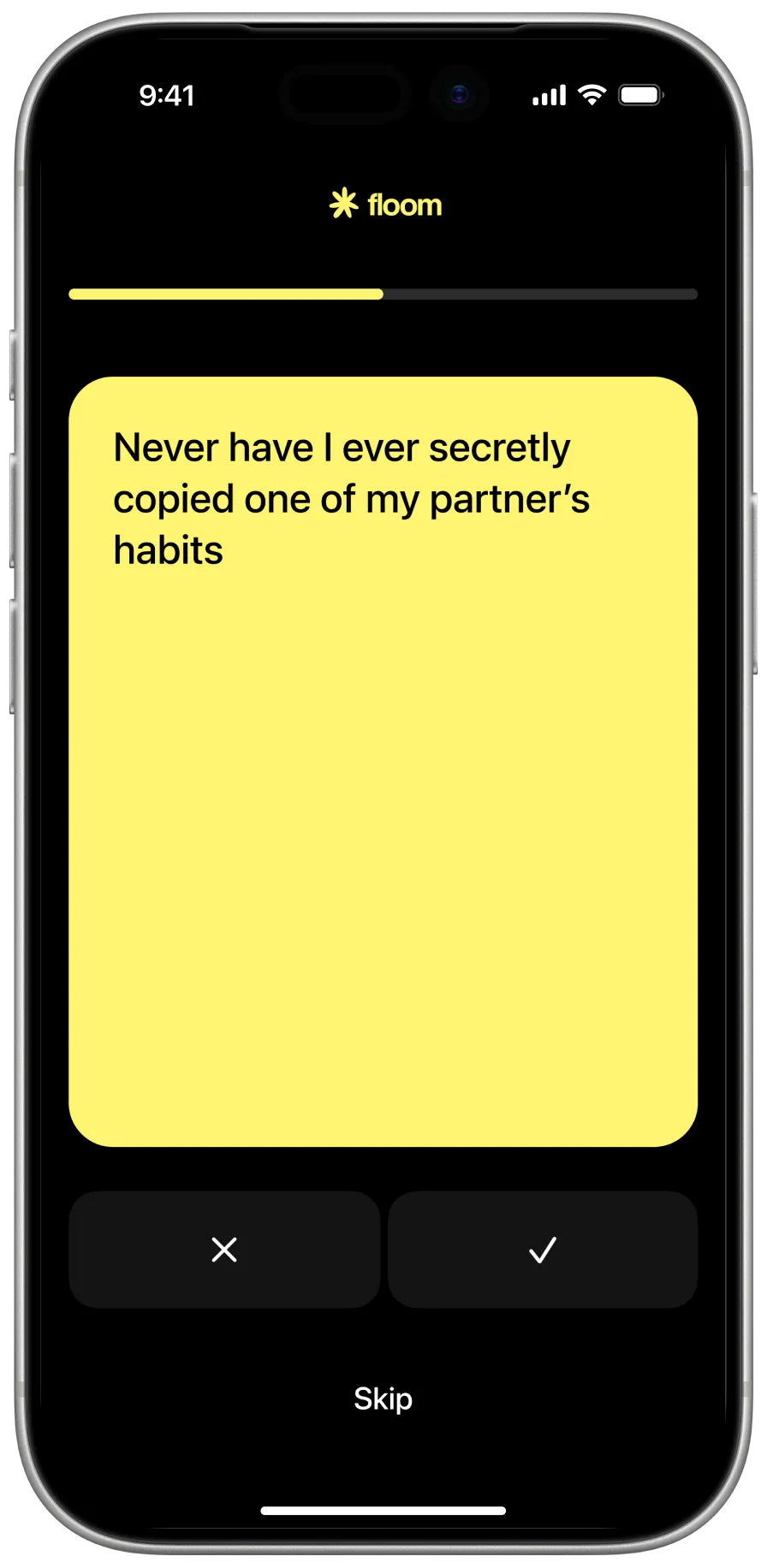
Pick a quiz and each of you answers on your own iPhone. You don’t have to be online at the same time: the results open as soon as you’ve both finished, with a breakdown of where you matched, where you read each other right and which answers surprised you.
Floom has 300+ quizzes in six formats, from light This or That rounds to deep questions you’ve been meaning to ask. Ten decks are written for long-distance couples, covering calls and texts, time zones, visits and goodbyes, and plans to close the gap.
Widgets that make the distance feel smaller
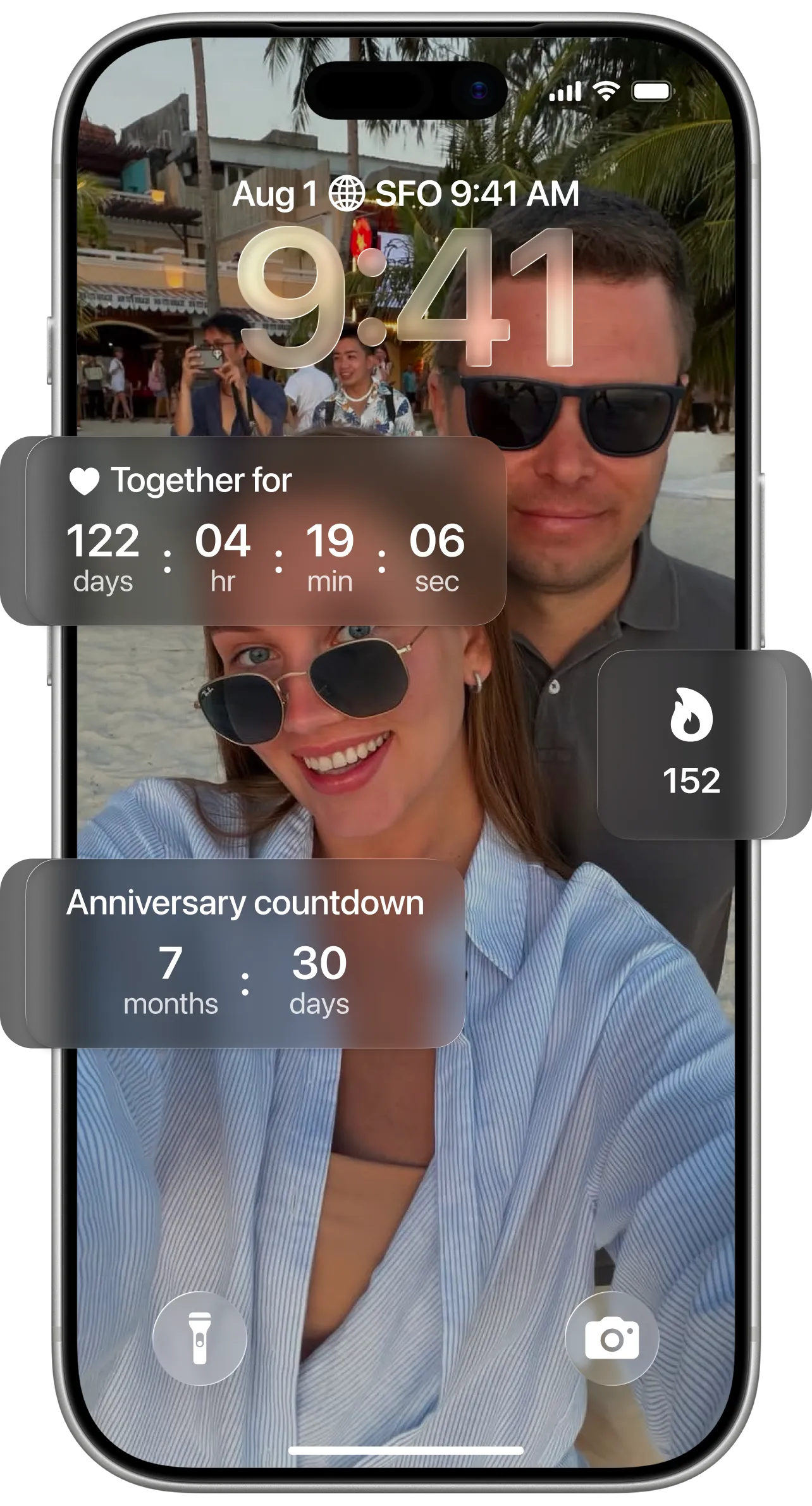
Floom’s widgets live on your Home Screen and Lock Screen, so your partner shows up every time you pick up your phone.
Distance
Shows how far apart you are. Your avatars slide closer as you get closer, and it says “Together!” when you’re in the same place. Floom uses your location only while the app is open. Part of Floom Pro.
Countdown
Count down to your next visit, with a title, a date and a photo or gradient, on both of your Home Screens. Part of Floom Pro.
Status
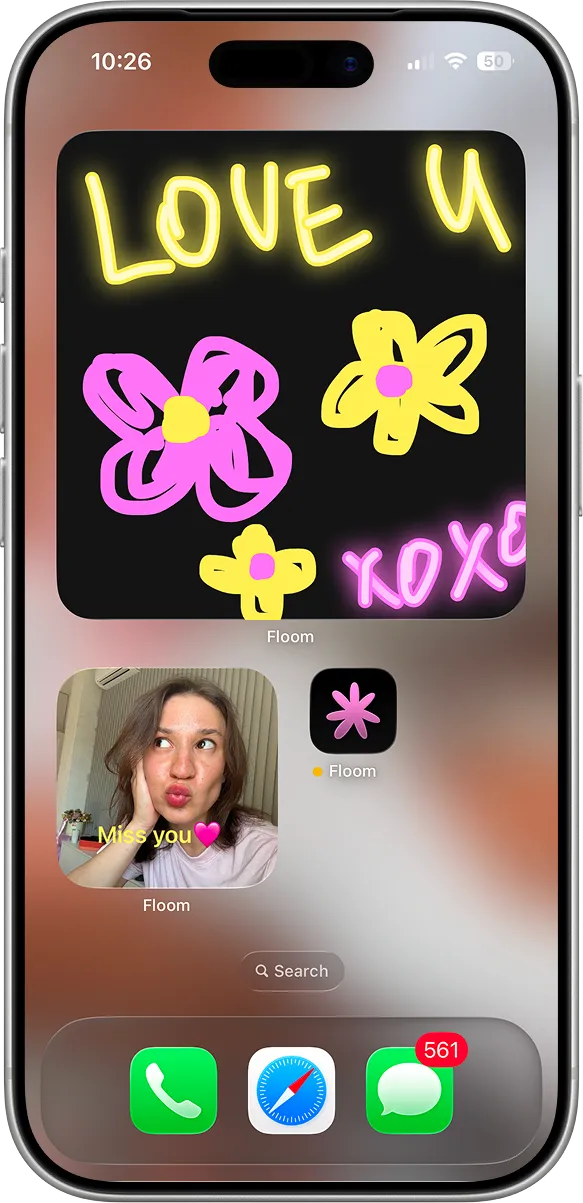
Snap a photo, add a caption like “On my way” and it appears on your partner’s Home Screen.
Canvas and notes
Draw something in the morning and it shows up on your partner’s screen. Leave notes the same way.
A daily question that keeps the habit
Every day there’s one fresh question for both of you. Answer it, keep your streak and watch the week fill in. It’s a small reason to check in when you’re busy or out of sync, and it works without planning a call.
How to start
- 1Download Floom on both iPhones (iOS 18 or later).
- 2Sign in with Apple and send your partner an invite link.
- 3Add the widgets you want and pick your first quiz.
Questions
Is Floom free for long-distance couples?
Floom is free to download. The free plan includes quizzes from every topic, the daily question, streaks, six of the eight widgets and your first custom quiz. Floom Pro, a monthly or annual subscription, unlocks the full quiz library, unlimited custom quizzes and the distance and countdown widgets, and one subscription covers both partners while you’re paired.
Does my partner need the app too?
Yes. Floom is made for two: you each install it on an iPhone with iOS 18 or later, sign in with Apple and connect with an invite link. Quizzes, the daily question and shared widgets start working once you’re paired.
Does the distance widget share my location all the time?
No. Floom uses your location only while the app is open, and the distance widget is optional.
Do we need to play at the same time?
No. Each of you answers whenever it suits you, and the results open together once you’ve both finished.