
Couple widgets for your iPhone Home Screen and Lock Screen
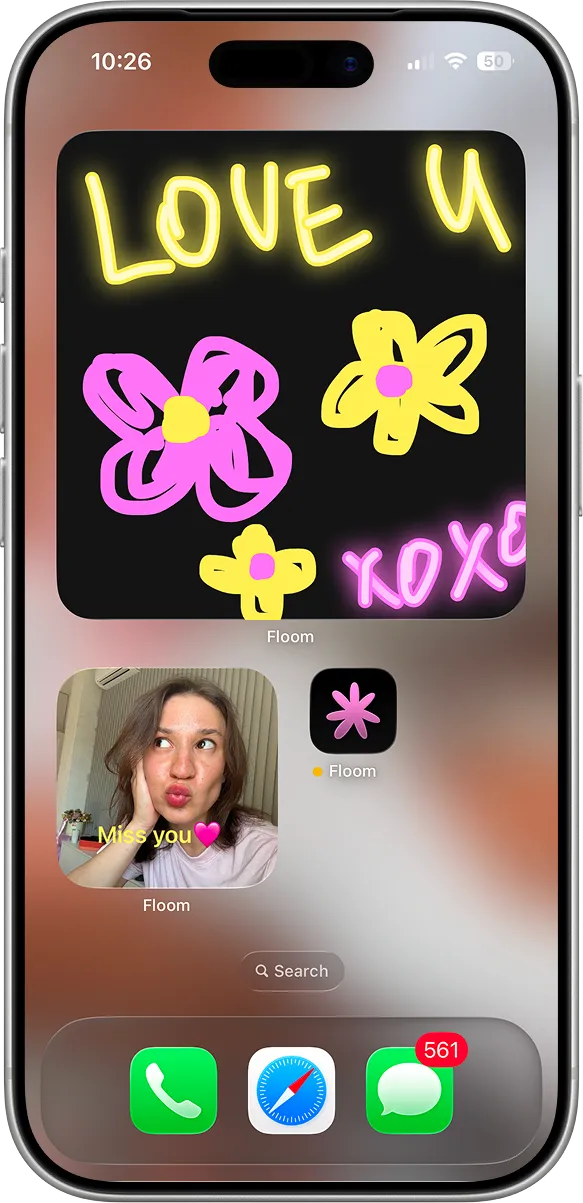
Draw something in the morning and it shows up on your partner’s screen. Floom has eight couple widgets for iPhone: a shared canvas, notes, two relationship counters, a countdown, photo status, distance and your streak.

Every Floom widget
Six widgets are on the free plan. Countdown and Distance come with Floom Pro, and one subscription covers both of you. Add as many as you like.
Draw Together
A canvas you both draw on. Leave a doodle, over a photo if you like, and it appears on your partner’s widget.
Partner Note
The latest note your partner left you, in their colors and font, so it stays on your Home Screen instead of getting lost in a chat.
Anniversary
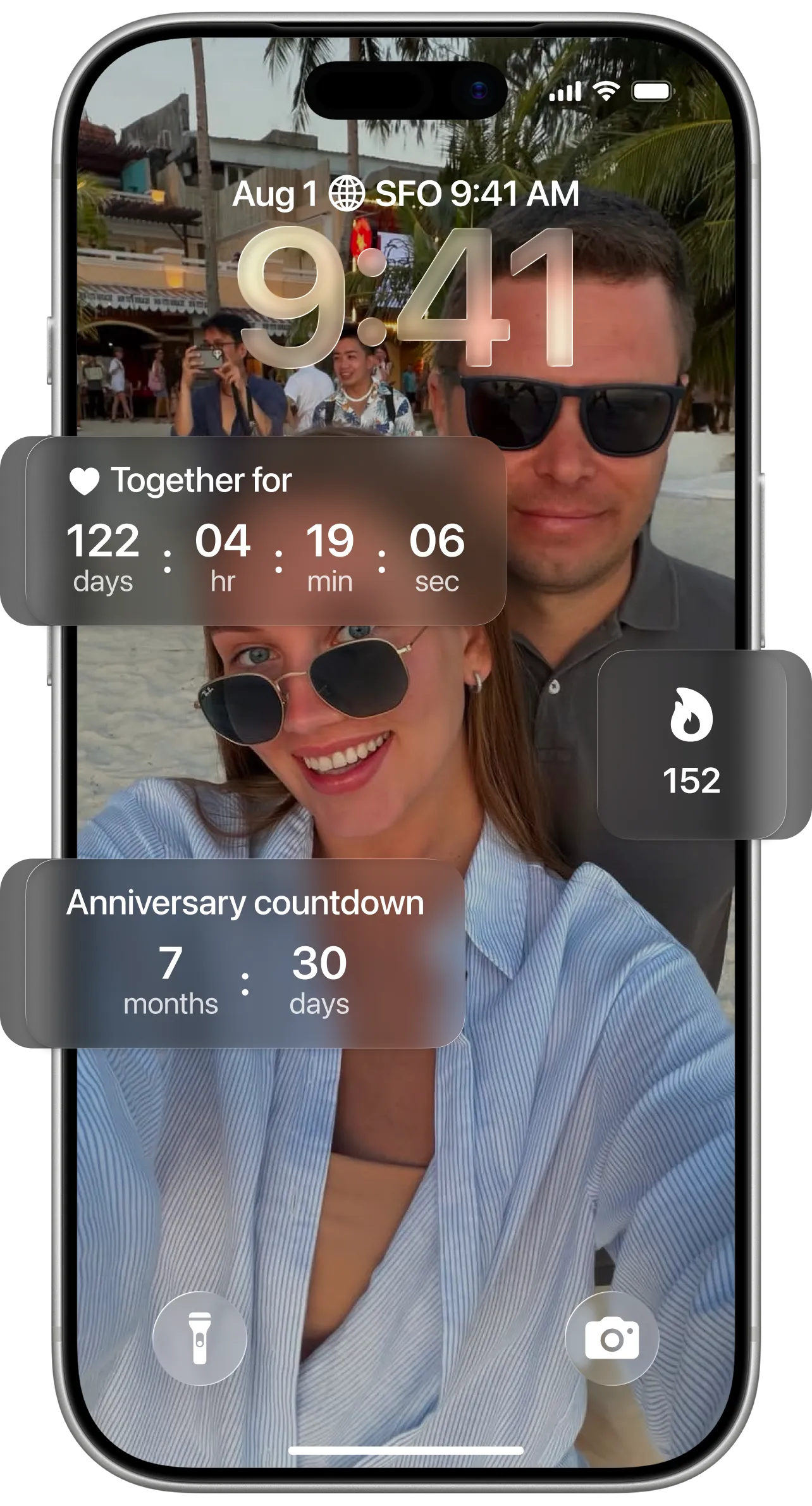
How long you’ve been together, in years, months and days. On the Lock Screen it can show just the days.
Time Together
Your days together plus a live clock for today, on the Lock Screen.
Countdown (Floom Pro)
Count down to a trip, a date night or your next visit, with a photo or one of six gradients. After the day arrives it counts the days since, and past countdowns stay in your history.
Status
Both of your latest photos and captions, like “Coffee time” or “Miss you”, with how long ago each one was posted.
Distance (Floom Pro)
How far apart you are, in kilometers or miles. Your avatars slide closer as you get closer, and it says “Together!” when you’re in the same place.
Streak
Your couple streak on the Lock Screen, and whether you’ve kept it going today.
Floom widget sizes at a glance
| Widget | Home Screen | Lock Screen | Plan |
|---|---|---|---|
| Draw Together | Small, medium, large | — | Free |
| Partner Note | Small, medium, large | — | Free |
| Anniversary | Medium | Circular (days), rectangular | Free |
| Time Together | — | Rectangular | Free |
| Countdown | Medium | — | Floom Pro |
| Status | Medium | — | Free |
| Distance | Medium | Rectangular | Floom Pro |
| Streak | — | Circular, rectangular | Free |
As of October 2026. Floom is an iPhone app for iOS 18 or later. There’s no iPad or Apple Watch version.
A relationship counter on your Lock Screen
Anniversary and Time Together are Floom’s relationship counters. Set the date you got together in Floom’s settings, then add either one. Anniversary shows years, months and days on the Home Screen, or just the days on the Lock Screen. Time Together adds a live clock, so you can watch today tick by. Both are free.
How fast your partner sees it
When you draw, leave a note or post a status, Floom asks your partner’s iPhone to refresh that widget, so it usually shows up quickly. iOS decides when widgets actually refresh, so now and then it takes longer. The widgets also refresh on their own about every half hour.
Tapping a widget opens the matching screen in Floom, where you draw, write a note or post a status. You can’t edit anything from the widget itself.
How to add a Floom widget
Install Floom and connect with your partner first, so the widgets have something to show.
- 1Touch and hold an empty area of your Home Screen until the apps jiggle, then tap Edit and Add Widget.
- 2Search for Floom, swipe through the widget sizes and tap Add Widget.
- 3For the Lock Screen, touch and hold the Lock Screen, tap Customize, choose Lock Screen and tap the widget area.
Couple widget apps compared
We make Floom, so we aren’t neutral. To keep this fair, every rating, price and feature below comes from each app’s US App Store listing, last checked on October 20, 2026.
Widgetable is a widget app first, for friends as well as couples. Couple Joy and Flamme pair their widgets with daily questions. Floom is built around quizzes you answer on two iPhones, and its widgets keep you connected between rounds. Floom is iPhone-only; the other three also work on Android.
| App | Widgets | App Store rating | Paid plan from | Android |
|---|---|---|---|---|
| Floom | Doodles, notes, anniversary, time together, countdown, status, distance and streak | 5.0 (7 ratings) | $8.99 / month | No |
| Widgetable | Lock Screen widgets, including a live distance widget | 4.9 (387K ratings) | $1.99 / month | Yes |
| Couple Joy | Widgets, distance tracking and daily questions | 4.9 (39.4K ratings) | $12.99 (period not shown) | Yes |
| Flamme | Daily questions, quizzes and long-distance countdown widgets | 4.7 (418 ratings) | $6.99 / week | Yes |
All four apps are free to download. Prices are the lowest paid plan on each US App Store page, which lists at most ten in-app purchases. “Period not shown” means the listing doesn’t say whether the plan is weekly, monthly or yearly. Several apps, Floom included, list more than one price for the same plan.
Sources: Floom on the App Store, Widgetable on the App Store, Couple Joy on the App Store, Flamme on the App Store
More than widgets
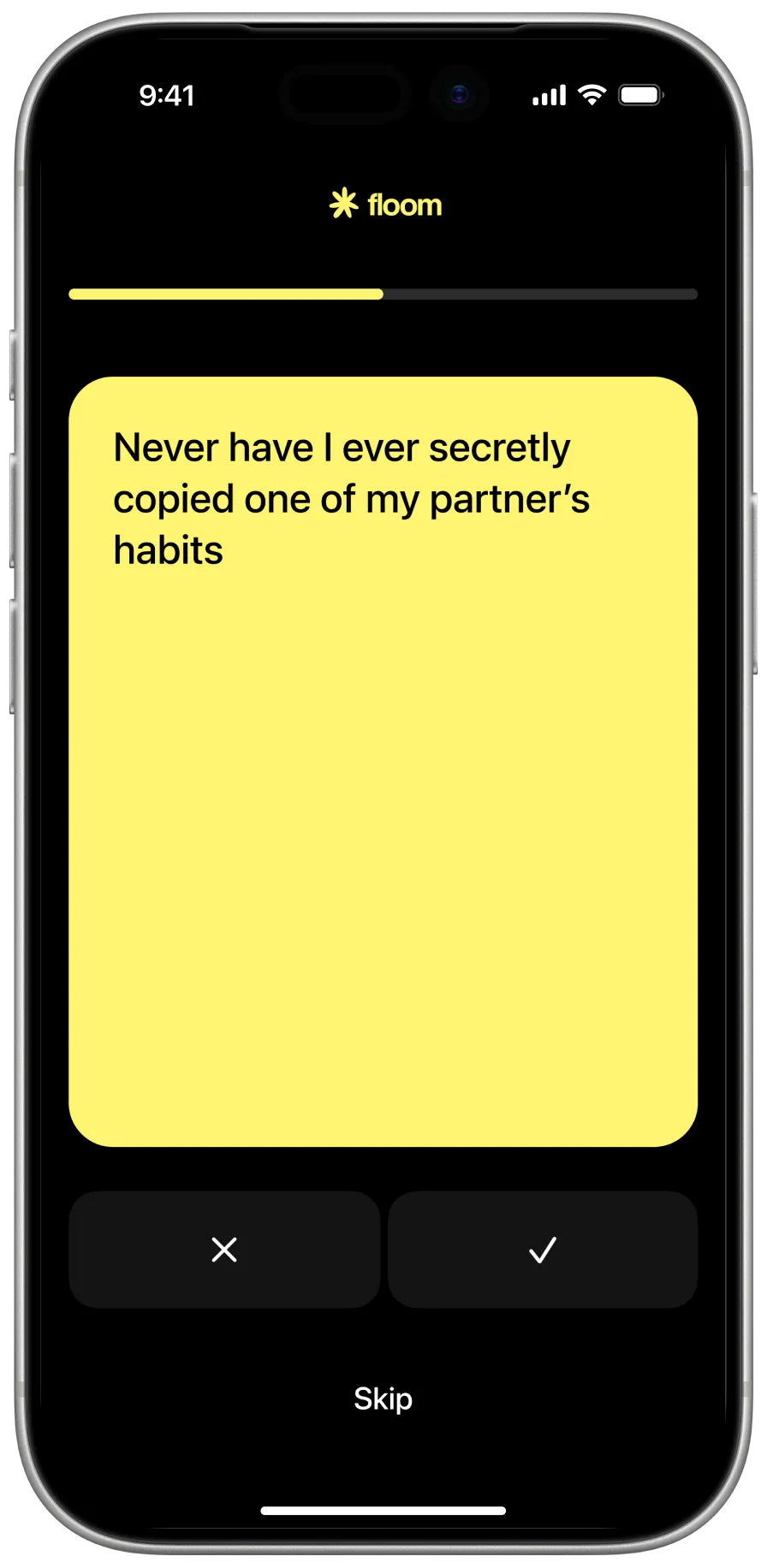
Floom is a couples app built around quizzes. You pick one of 300+ quizzes, each answer on your own iPhone and see your answers side by side. The widgets keep you connected between rounds.
Questions
Are Floom widgets free?
Six of the eight are: Draw Together, Partner Note, Anniversary, Time Together, Status and Streak. Countdown and Distance come with Floom Pro. When one of you has Pro, both of you get it while you’re paired.
Do the widgets work on the Lock Screen?
Yes. Anniversary, Time Together, Distance and Streak have Lock Screen versions. Draw Together, Partner Note, Countdown and Status are Home Screen widgets.
Is there a widget that counts our days together?
Yes, two. Anniversary shows how long you’ve been together in years, months and days, or just the days on the Lock Screen. Time Together shows your days plus a live clock for today. Both are free.
How quickly does my partner see a new doodle or note?
Usually within moments, because Floom asks your partner’s iPhone to refresh the widget as soon as you post. iOS decides when widgets refresh, so sometimes it takes longer. The widgets also refresh on their own about every half hour.
Does the distance widget share my location?
Only with your partner, and only while the app is open. Your partner’s app receives your most recent location to work out the distance, and the widget shows only how far apart you are. Floom doesn’t keep a location history. The distance widget is optional and part of Floom Pro.
Does my partner need the app too?
Yes. Floom is made for two: you each install it on an iPhone with iOS 18 or later, sign in with Apple and connect with an invite link. Quizzes, the daily question and shared widgets start working once you’re paired.